

• Home
  • Articles
  • Services
    • PC Repair
    • Your Data
      • Data Migration
      • Data Rescue
      • Data Recovery
  • Software
  • Hardware

About Us

Rainbow Computers has been serving the Alliston and Greater New Tecumseth region since 1995.  Our goal is to professional service at a reasonable cost.

We support Microsoft Windows, Linux, and MacOS.

Articles

We author articles on a variety of topics targeted for the New Tecumseth and Ontario region on a regular basis.  We release first on our facebook page and then here.

Visit us on Facebook

Consulting

We can help you make decisions about your next computing solution.  Don't know your actual needs, or don't  understand the options you're looking at?  We can help.

Services

We all have issues with our PC's from time to time.  We've been servicing New Tecumseth and region since 1995 and offer a variety of services from Diagnostics to Remote assistance.

Our Services

Hardware

Whether your looking for a refurbished computer, new off the shelf or are looking for a custom built gaming or content creation PC, lets talk.  Even if you don't order from us we can help!

Diagnostics and Repair

Remote Assistance

Data Rescue

Home

PC Basics & Maintenance. Why Regular PC Servicing Is Important

Thomas K
Uncategorised
02 August 2026
93
  • Articles
  • Computer Servicing
  • PC Maintenance
PC Basics & Maintenance
Why Regular PC Servicing Is Important
🇨🇦 The $100 Question: Why “Drop Off” Your PC?
We get it.
Giving up your computer for a day or two feels like losing a limb.
But if your PC sounds like a jet engine…
Or takes three minutes to open a spreadsheet…
You’re not saving time by ignoring it.
You’re losing it in 30-second (or more) increments.
All day. Every day.

Read more: PC Basics & Maintenance. Why Regular PC Servicing Is Important
5 Windows 11 Features That Could Save You Time, Files, and Frustration

Thomas K
Articles
09 July 2026
53
  • Articles
  • Windows Updates
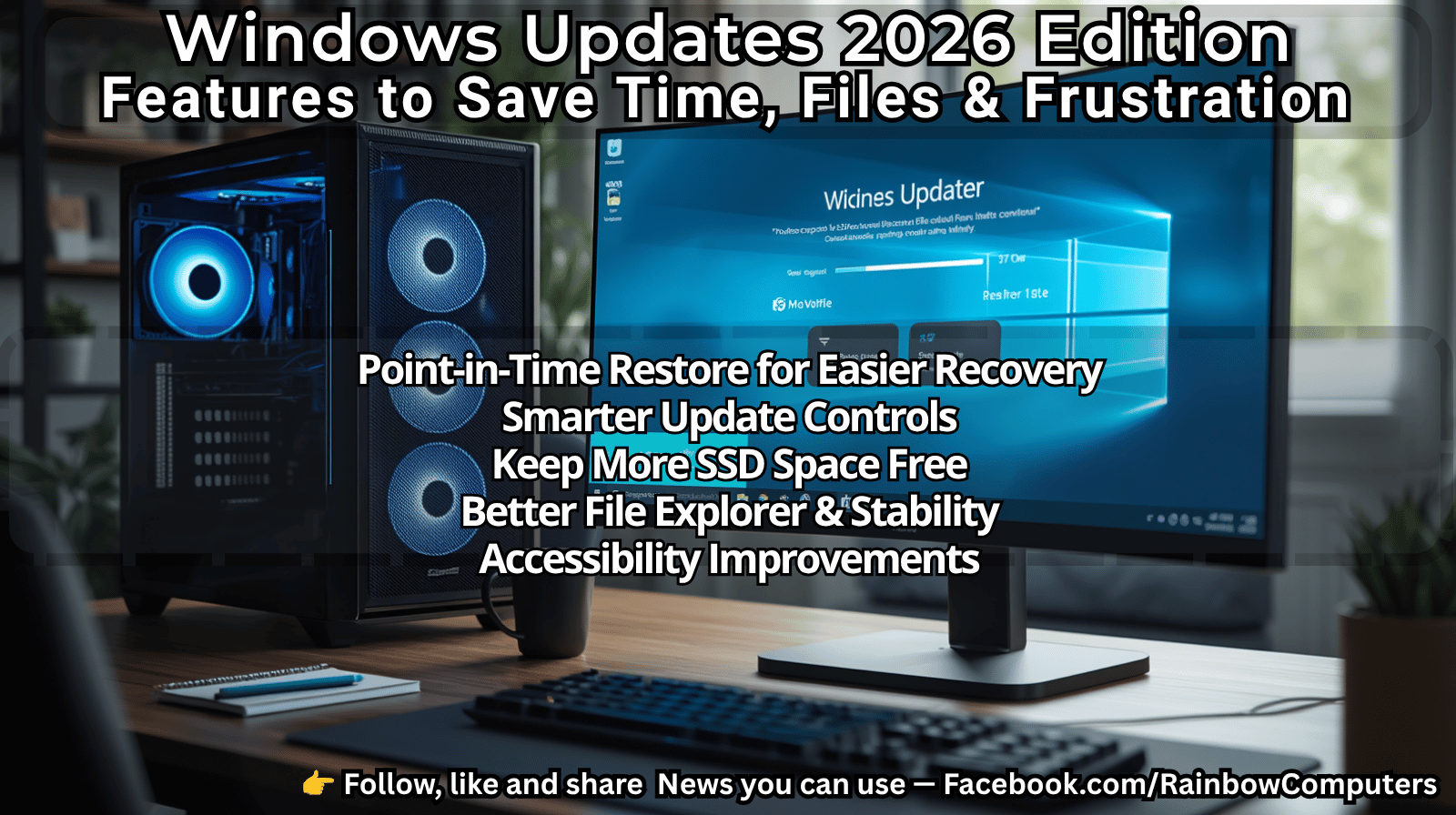
5 Windows 11 Features That Could Save You Time, Files, and Frustration
Windows 11 no longer waits for one big update each year. Microsoft now rolls out new features throughout the year, often quietly. The latest feature rollout (Build 26200.8737 / KB5095093) includes several improvements that could make your home or small office PC easier to recover, easier to manage, and a little less frustrating.
Here are the five changes we think are worth your attention.
⸻

Read more: 5 Windows 11 Features That Could Save You Time, Files, and Frustration

Where Did My SSD Space Go? Make Room for Windows Updates Before You Need It

Thomas K
Articles
14 July 2026
54
  • Articles
  • Windows Updates
  • Storage Space
Where Did My SSD Space Go?
Make Room for Windows Updates Before You Need It
“My computer has a 512 GB SSD.”
That’s something we hear almost every week at Rainbow Computers.
Then we open Settings → System → Storage together and discover exactly where all that space is being used.
“This PC” might tell you how much free space you have on your drive, but it doesn’t tell you what’s actually using it.
Fortunately, Windows 10 and Windows 11 include excellent built-in tools to help answer that question.
You may be surprised to discover that Windows isn’t the biggest space user on your computer.
Let’s investigate.

Read more: Where Did My SSD Space Go? Make Room for Windows Updates Before You Need It

13 Dufferin Street South, Alliston, ON, L9R1G7

Open by Appointment

 705.434.4154